

Home Screen
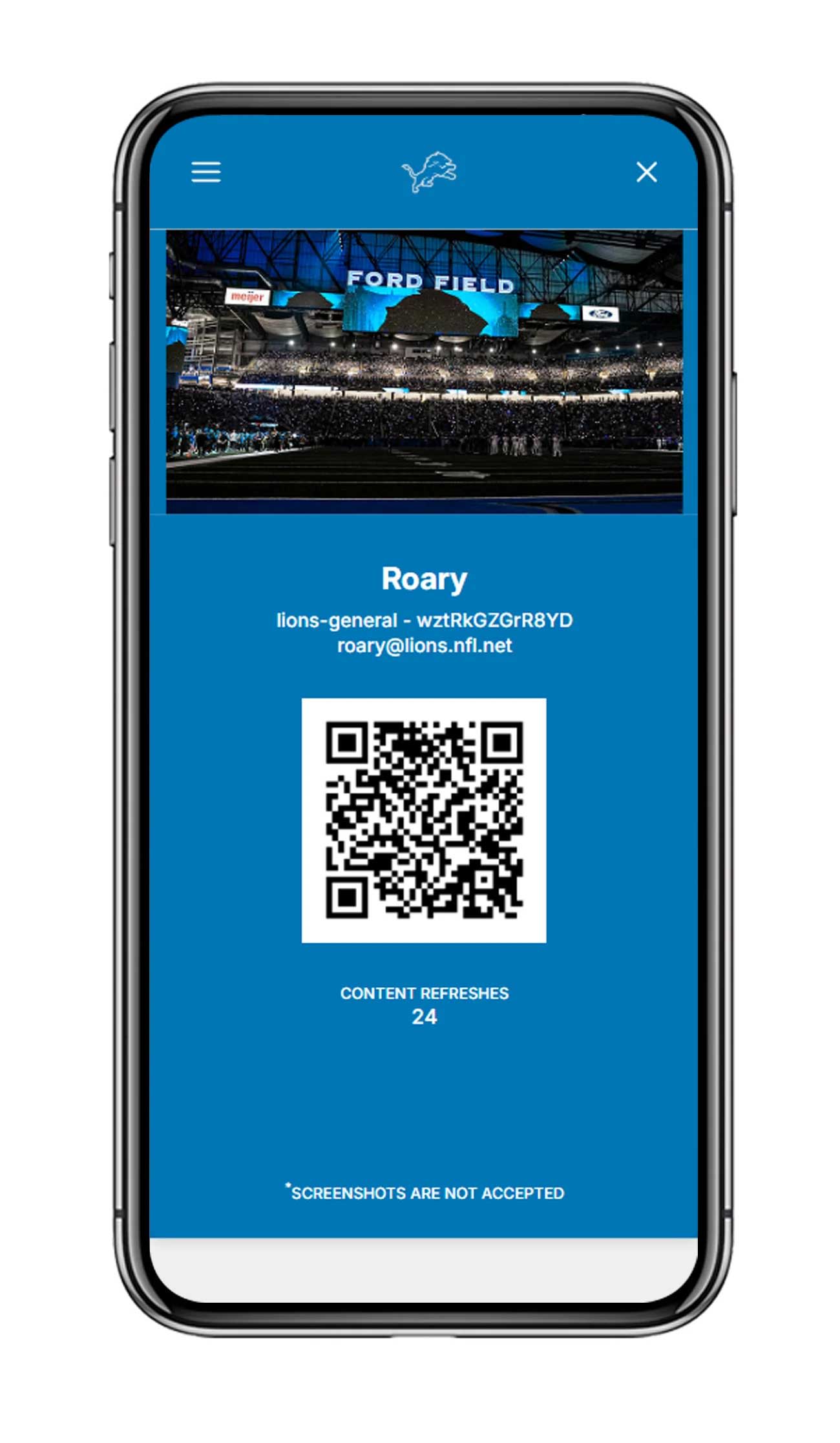
Welcome to the Lions Loyal Member Portal! The hamburger menu at the top left will allow you to easily navigate key pages within the portal.
Your name, email, account status and Lions Perks Card QR code live here for easy access.
Announcements
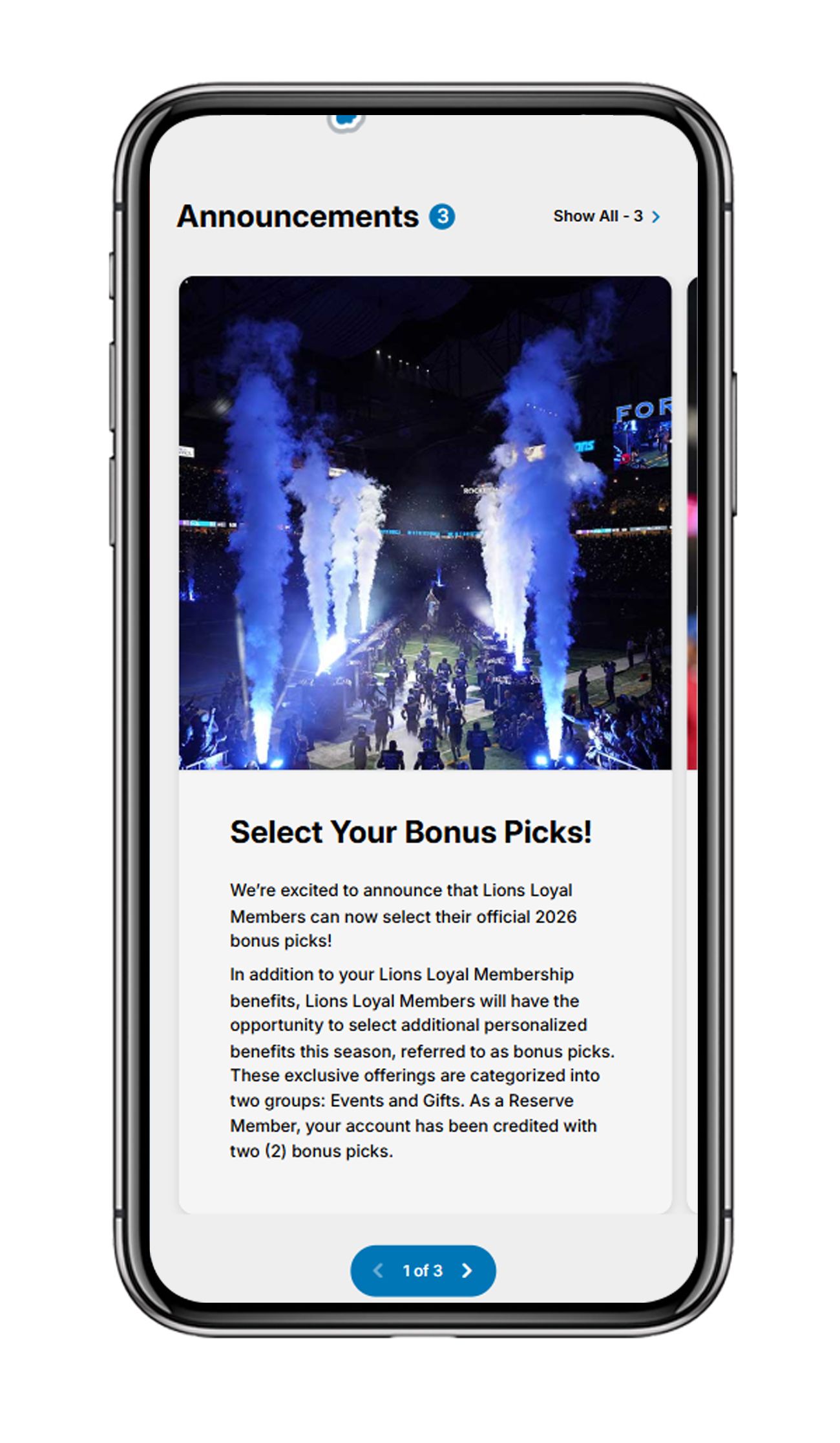
Membership messages that are specifically catered to your current membership status. Clicking "Show All" will take you to all previous announcements.
Member Benefits
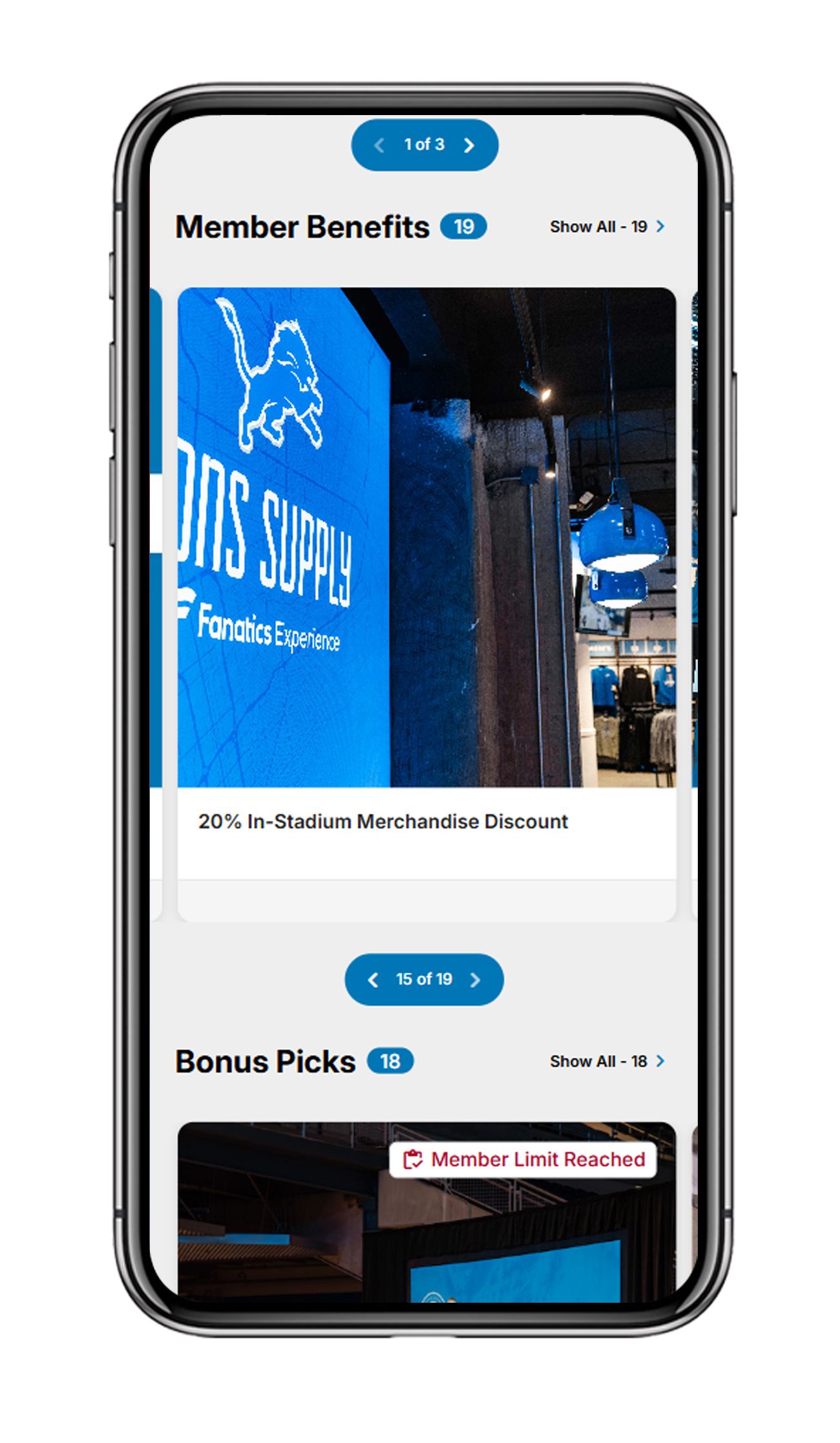
A quick view of featured benefits associated with your membership status. Clicking "Show All" will take you to your benefits page showcasing all your current benefits and past member activity.
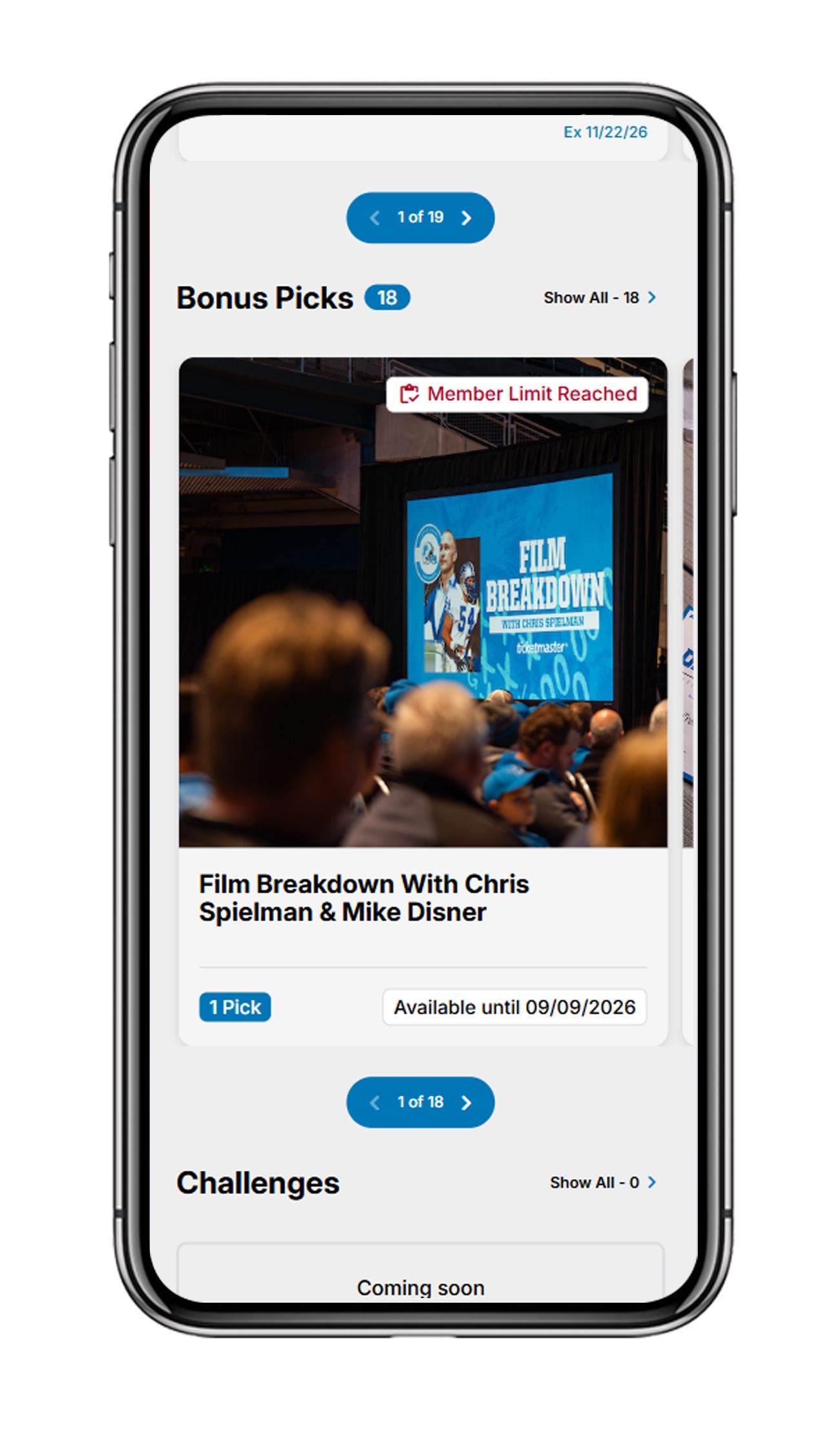
Bonus Picks
Featured Bonus Pick Benefits that can be selected using your picks on your account. Clicking "Show All" will take you to the Bonus Pick Marketplace showing all available Bonus Picks to choose from.
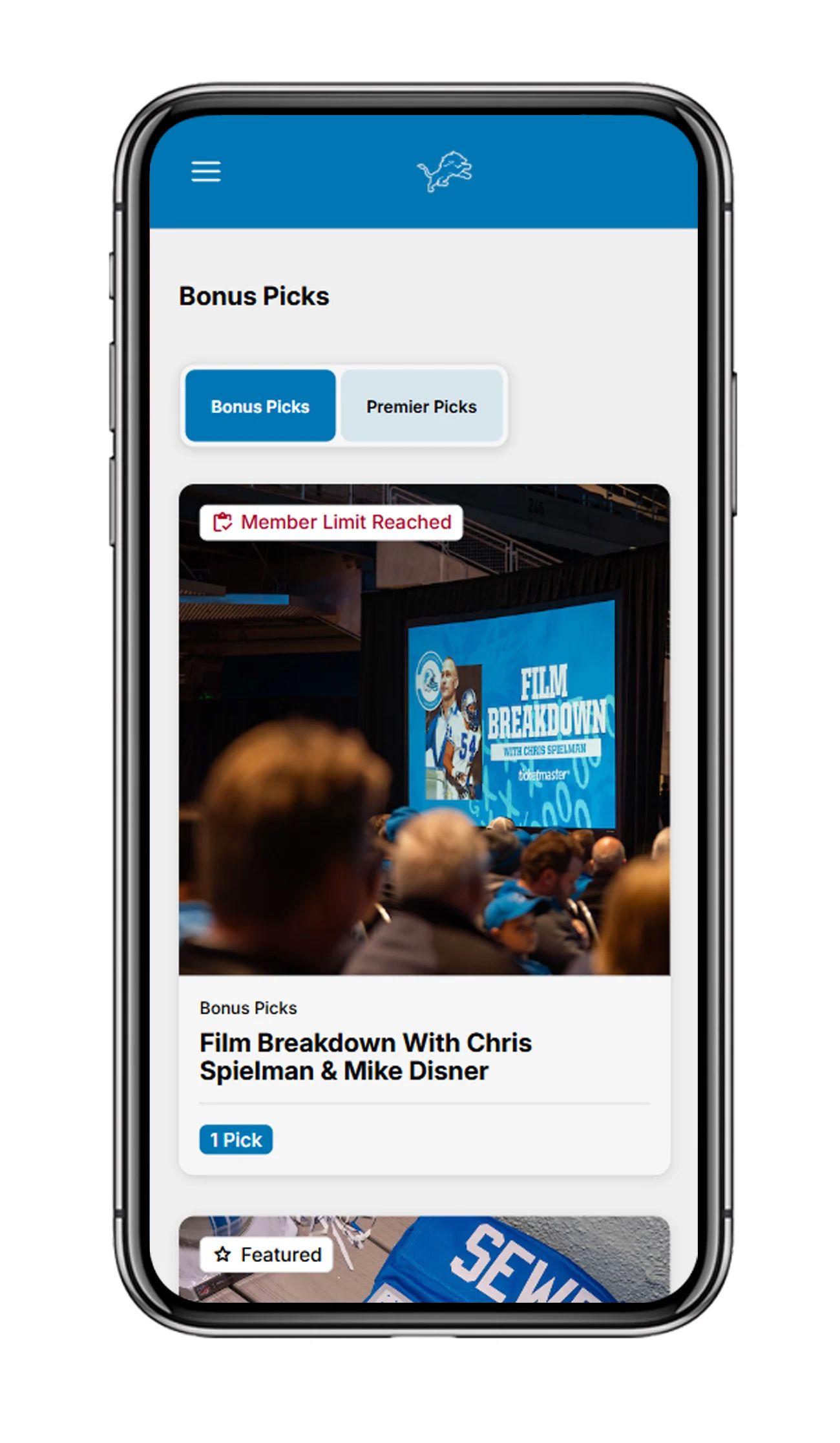
Bonus Pick Selection
Using your picks balance you may select Bonus Picks as part of your Lions Loyal Membership. Simply click on any of the available Bonus Picks to view details, descriptions and select that benefit as a Bonus Pick.
To select your Bonus Pick, select quantity (max quantity variable per individual Bonus Pick) and click the black "Select" Button.
Once selected, your current picks balance will decrease by your quantity selected and that Bonus Pick will now show "Member Limit Reached" on the Bonus Pick Marketplace.
NOTE: Some Bonus Picks such as Meijer Performance Center Tours and other events have date and time options that must be selected before confirming your pick.
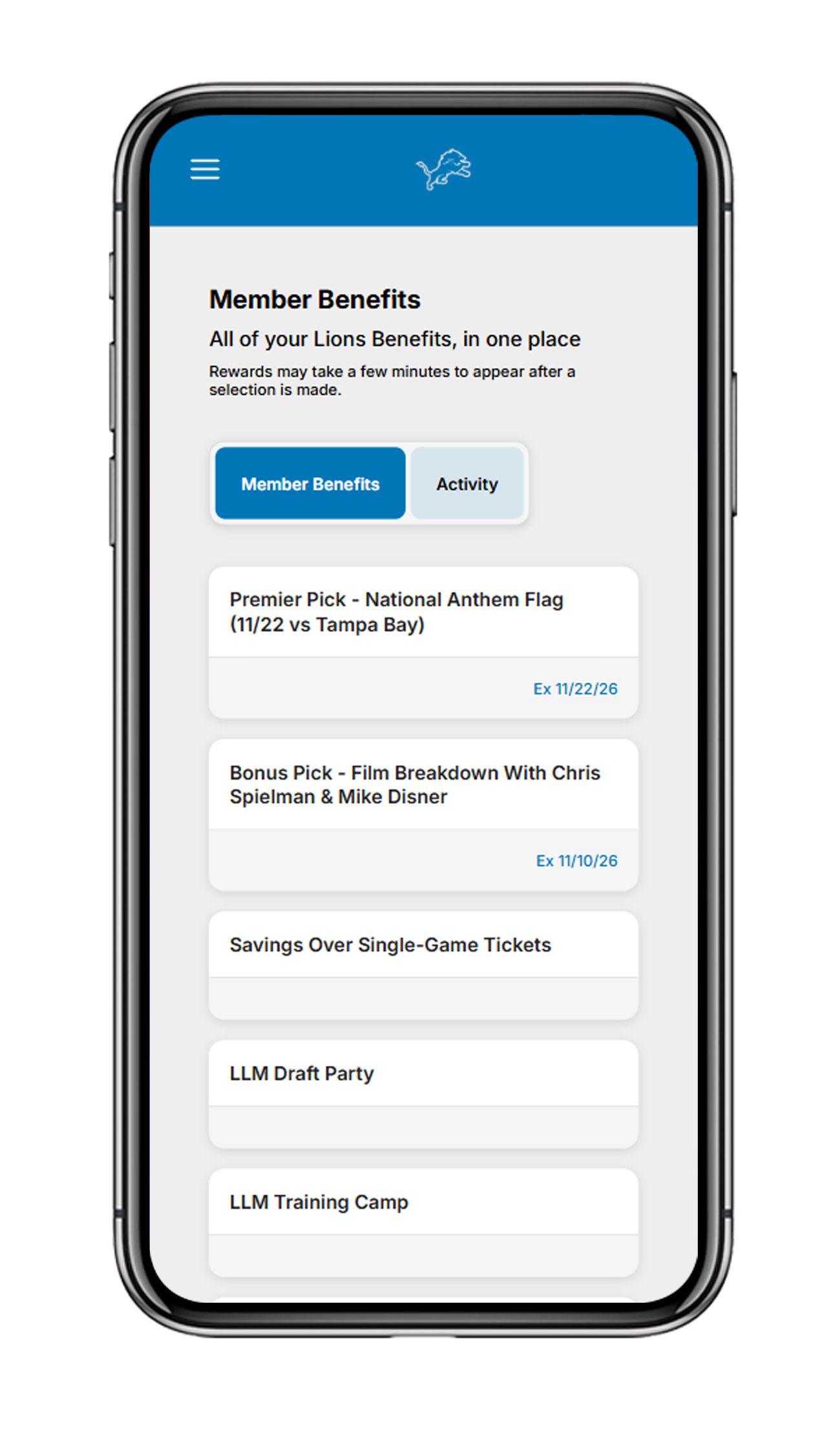
Member Benefits Screen
You can navigate to the Benefits page via the hamburger menu at the top left of the portal or by clicking "show all" on the Benefits block of the home page.
Active Rewards show all of your active benefits associated with your membership status.
Past Activity shows all of your past membership benefit activity including Bonus Pick selection, benefits redeemed, Lions Loot transactions and more.
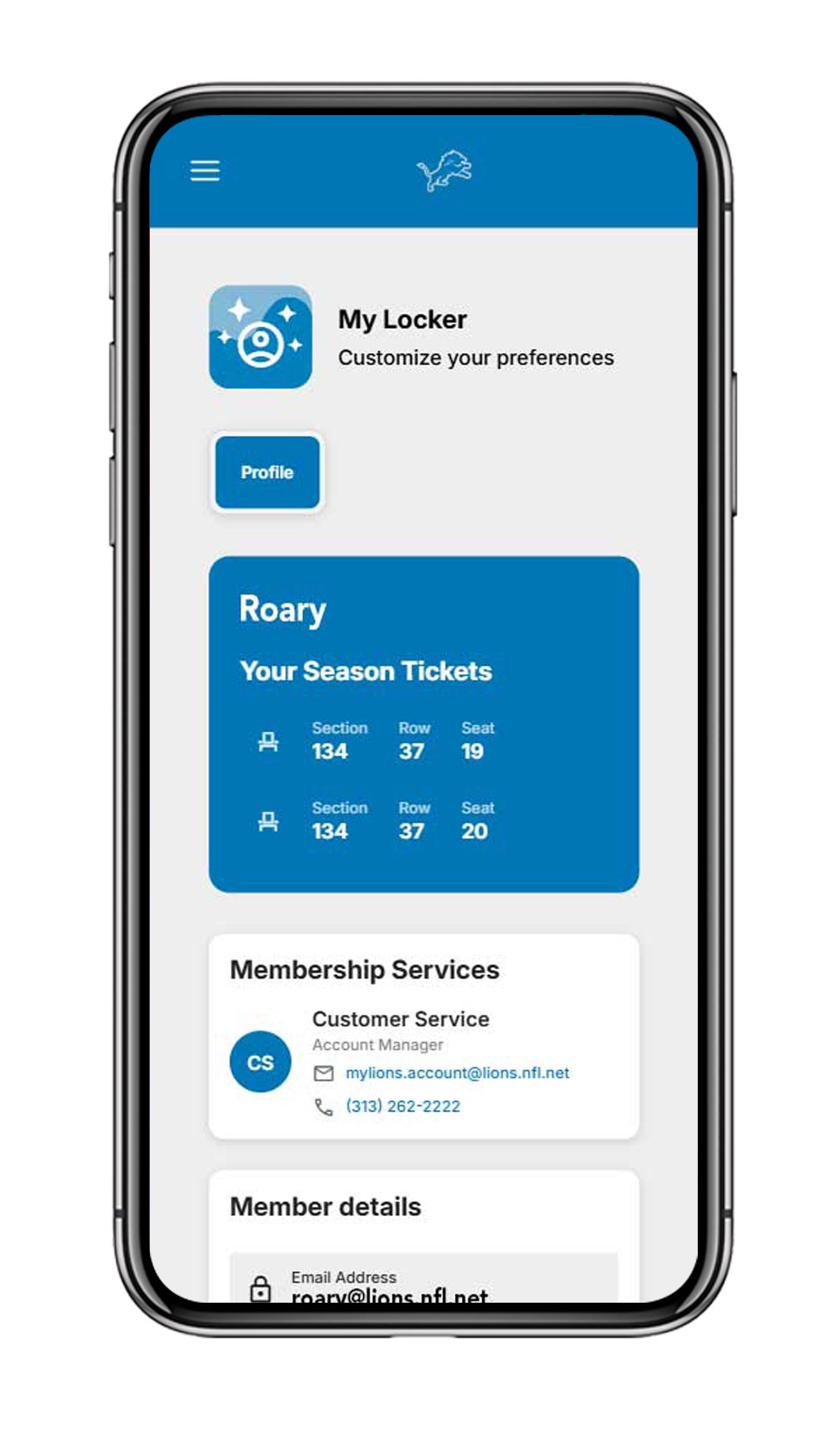
My Locker Screen
You can navigate to your "My Locker" via the hamburger menu at the top left of the portal.
Once on the "My Locker" page you can view your member details, membership status and Lions Loot Balance.
There are also options to update your Account Preferences with more options to come.